BSON stays BSON.
Int64, Decimal128, ObjectId, dates, and field order keep their meaning. Exact values stay exact through the editing workflow.
BSON document editor
Work with a typed tree or edit raw Extended JSON. Bison keeps the difference between a number, a date, and a string clear, and shows you what will change before it reaches your database.
Take a closer look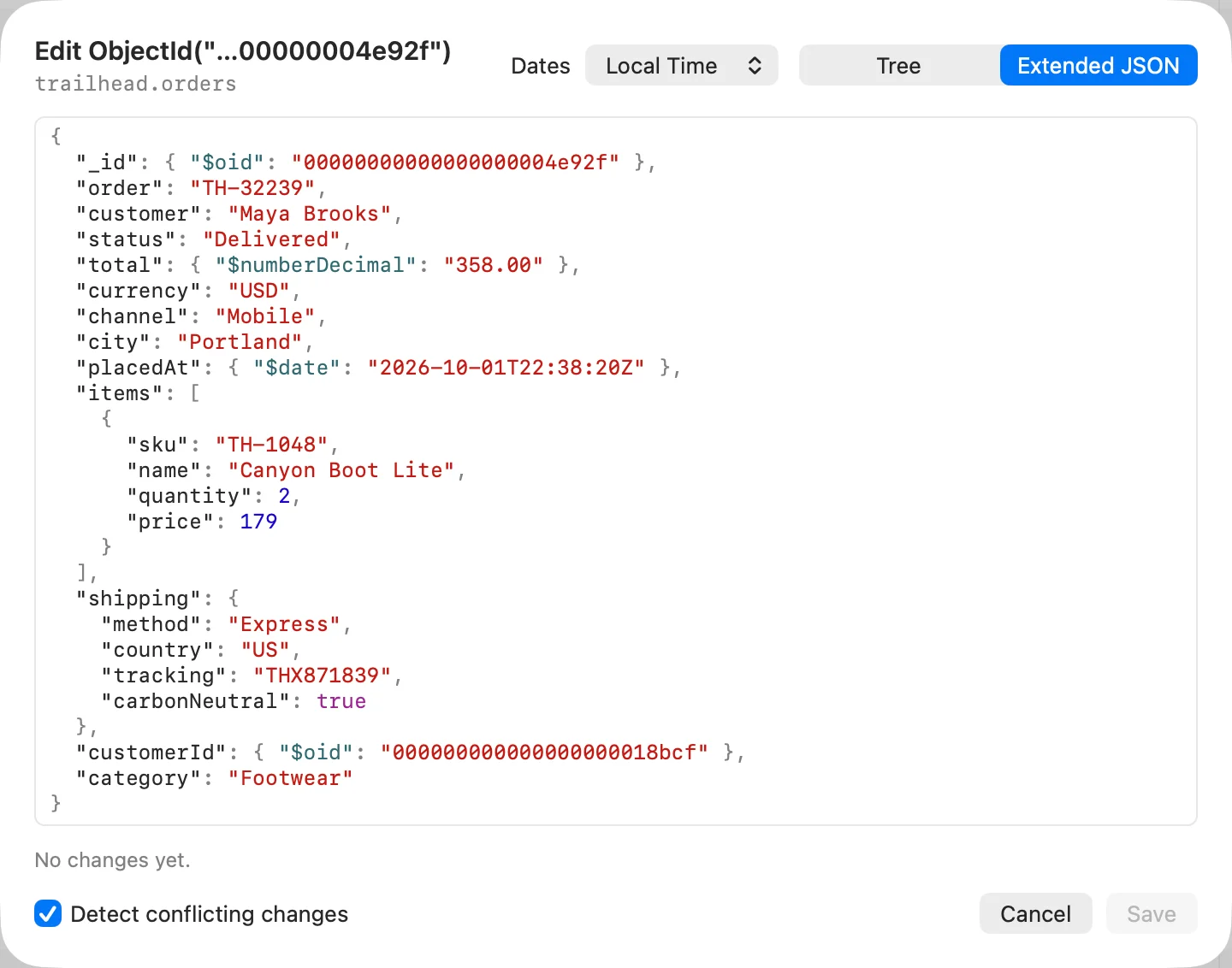
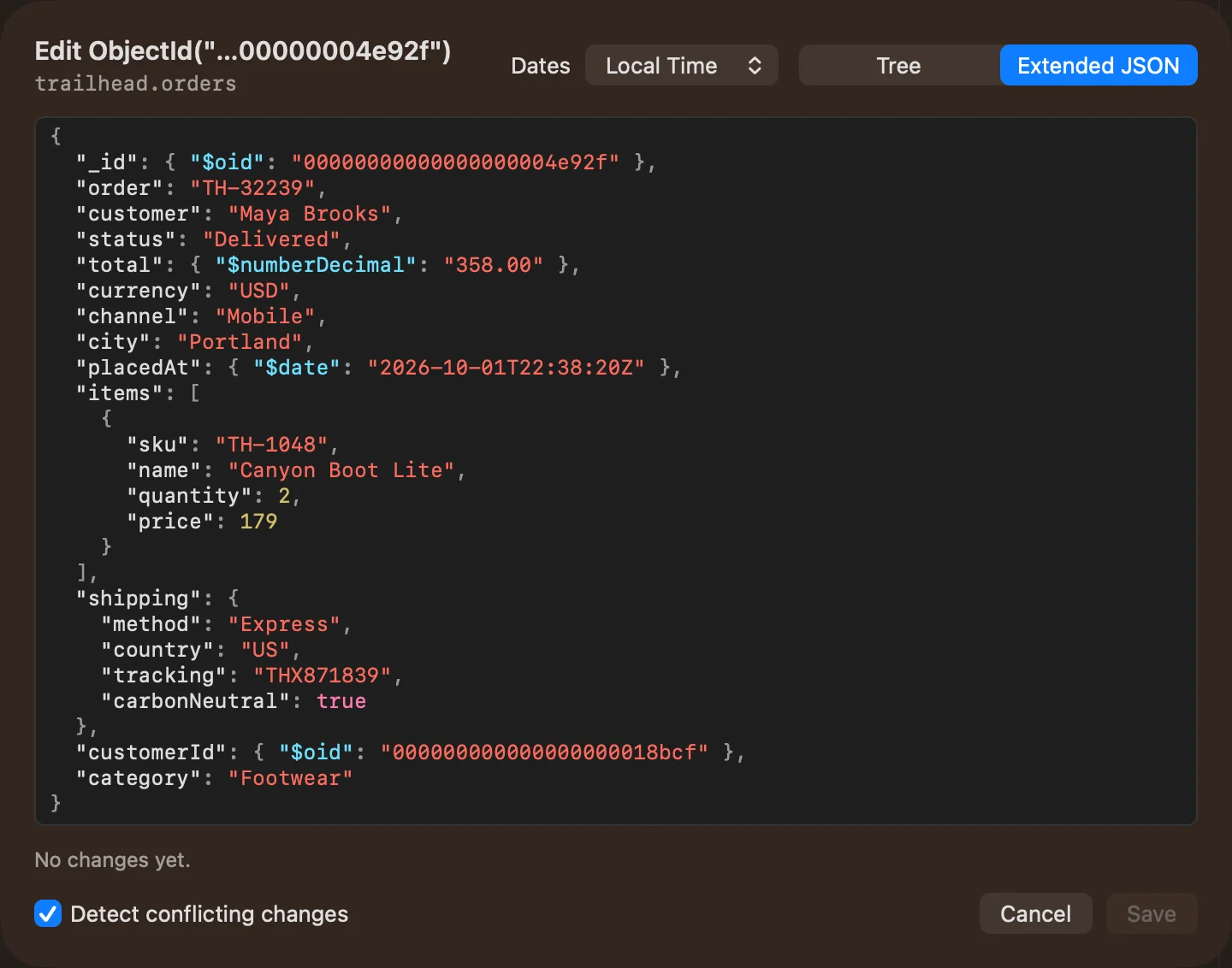
Int64, Decimal128, ObjectId, dates, and field order keep their meaning. Exact values stay exact through the editing workflow.
Use native controls to edit individual fields and nested values, or switch to Extended JSON when you want to work directly with the document.
Review the diff before saving. Bison writes changed fields and offers a conflict guard to catch values that changed since you loaded them.
From first click to useful work
Start from a query result and inspect the current values and types.
Change a typed field or work in Extended JSON. Check nested objects and arrays in the same editor.
Read the proposed changes, keep conflict detection enabled when you need it, and confirm the save.
A few practical details
Bison preserves Int64 and Decimal128 values. Use canonical Extended JSON when you need a text representation that retains exact BSON types.
Writes are refused. You can inspect the document without granting permission to change it.